How to Connect Accounting to an Application
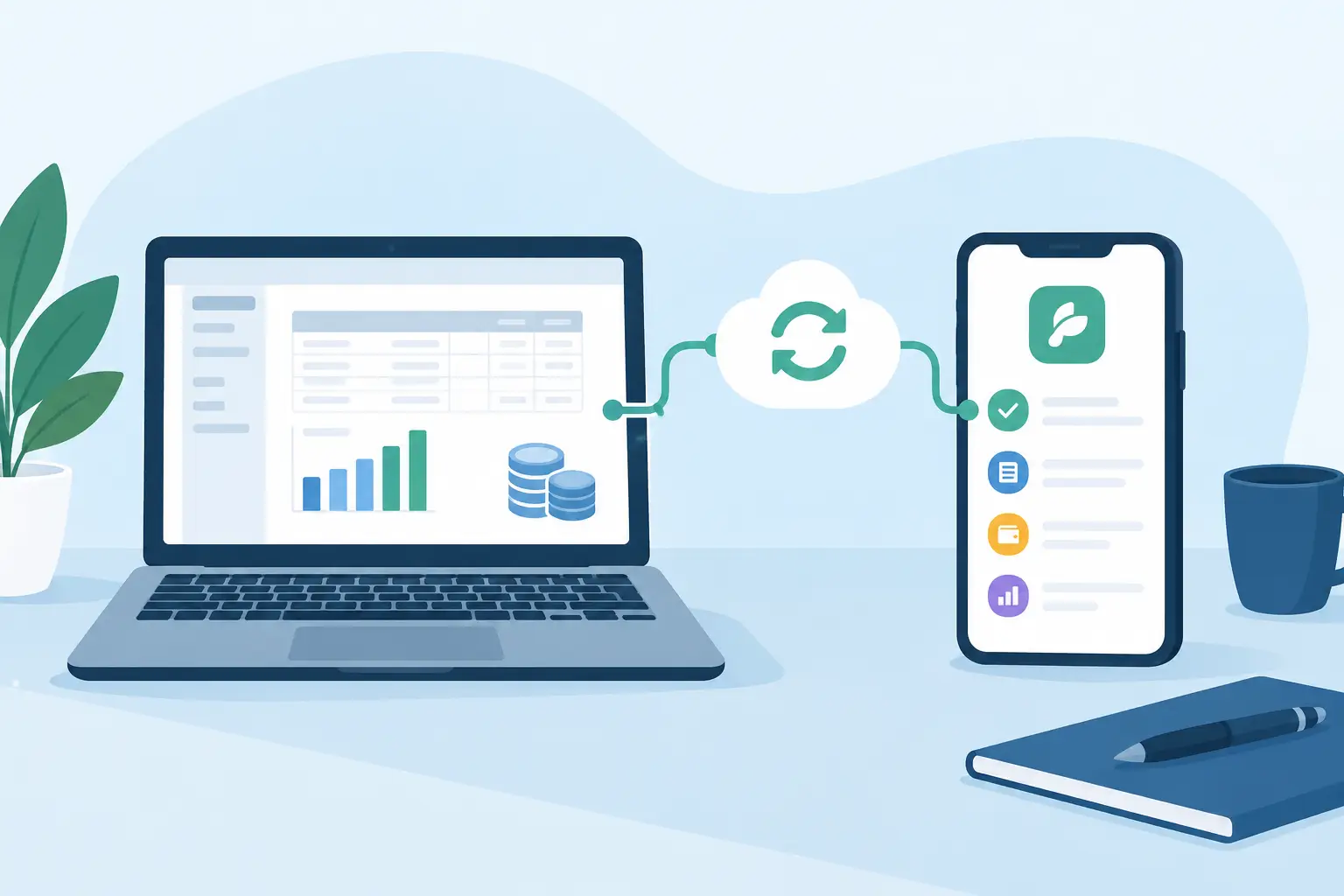
Connect accounting to an application without duplicate invoices: one source for documents, VAT, and payments, plus retries that do not issue the same invoice twice.
Manual retyping of invoices into accounting rarely starts as a crisis. A few documents a week. Then orders, subscriptions, credit notes, extra currencies, and more people touching the same data. How to connect accounting to an application decides whether finance works from current numbers, or spends each month catching up with operational mistakes.
A file of invoices dumped between two systems is not a connection. First you decide where each field originates, when it may change, and who owns it. Only then is it worth building the integration.
Decide what the connection is supposed to fix
The accounting system and the operational app have different jobs. The app usually owns customers, orders, contracts, delivered services, or payments. Accounting needs posted documents, VAT rates, payment matching, and evidence for the close. Copying one system into the other just leaves two places with slightly different truths.
Start from a concrete workflow. A company creates an order in a customer portal, confirmation produces an invoice, accounting records it, and payment status comes back into the app. Subscriptions often reverse that: the app prepares billing inputs each month, accounting issues the documents, and the app only shows their status.
That difference matters. In the first flow the app is the invoice source. In the second, accounting may be. If you do not pin that down immediately, you eventually get two versions of the same document with a different amount, payment reference, or paid/unpaid state.
Sales and accounting also read the same event differently. Sales wants to know whether the customer paid. Accounting needs how the payment was matched, which period it belongs to, and whether the document was voided. A paid status from the payment gateway is not the same as a matched payment in accounting. The gateway usually says so first.
One source per data type
Each data type gets one primary source. The app can own customers and orders. Accounting can own posted documents, bookkeeping, and actually matched payments. The integration then passes what the other system needs, instead of mirroring everything.
Write a data map before development. For every field: app → accounting, the other way, or not transferred at all. Typical fields: trading name and customer identifiers, billing address, line items, currency, VAT rate, tax point date, due date, variable symbol (the Czech payment reference), void status, and payment info.
Identifiers need extra care. An internal order ID is not an invoice number, and an invoice number is often a poor technical key. Each system has its own record IDs. The connection should store the link between the order ID in the app and the document ID in accounting. Without that, corrections, voids, and retries turn into manual hunting.
For customers, decide how you prevent duplicates. IČO (Czech company ID) can work as a key, but not always: foreign entities, individuals, or customers who fill details later. Do not auto-merge on similar company names. In Czech practice, IČO is checked in ARES; EU VAT IDs in VIES. If the register is down or disagrees with the order, the record goes to a person. Auto-rewriting the company name from the register with no rule is a fast way to break documents.
Not every connection needs to be bidirectional
Bidirectional sync sounds convenient. It also creates more states and conflicts. If an invoice is edited in the app and in accounting, which version wins? If accounting has already closed the document but a salesperson changes the order in the app?
A controlled flow is usually better. The app creates a draft or a request to issue a document. Accounting returns the invoice number, maybe a PDF and a processing status. Payment status then writes back. Changes to already issued documents are not overwrites of the original invoice. They go through a credit note or a void.
That constraint protects the accounting history and tells operations where to make which change. The same source-of-truth problem shows up when you connect other business systems, not only accounting.
Technical design decides whether the integration survives production
Accounting systems expose an API, XML exchange, import files, or a mix. An API fits ongoing communication. It does not by itself guarantee correct data or outage handling. File import can be enough if documents go across once a day. Feedback is slower and errors are harder to find.
On the Czech market the interface differs more than “we have an API.” Desktop accounting often takes XML or a local service and may not even be running at order time. Cloud invoicing tools usually have an API.
| Interface | Common with | What it means in production |
|---|---|---|
| XML or file import | Pohoda, Money S3 | a queue or a nightly batch; checkout does not wait on accounting |
| REST API | iDoklad, Fakturoid, FlexiBee | ongoing transfer; outages, duplicates, and logs still apply |
When invoices or payments appear continuously, we run the transfer as a background job. The user finishes the order. The app stores a request to create the document. The integration process sends it to accounting, records the result, and retries on a temporary outage. The customer does not wait on a third-party response, and the company does not lose a document because accounting was down for ten minutes.
Every transfer has to be retryable without creating duplicates. The technical word is idempotence. For the business: if the response is lost or the service fails, a retry must not issue a second identical invoice. Unique reference key, stored send state, and a check that accounting has not already accepted the document.
A log that only says the integration failed is useless. You need which document went out, when, with which data version, what the other system returned, and whether it was retried. Full sensitive data does not belong in those records. The log should help fix the problem, not create a new security issue.
Webhooks, batches, and a human queue
If accounting can push change notifications, for example a matched payment, a webhook is usually the fastest path. The app gets the event without polling and can update the order or unlock the service immediately.
A webhook still needs a signed request, safe handling of duplicate delivery, and a fallback when some notifications never arrive. Pair it with a periodic check of selected states. For a small document volume, a nightly batch is enough if the delay is not an operational problem.
Ambiguous cases should land in a human queue, not fail silently. Invalid VAT ID, missing VAT rate, or a customer that cannot be uniquely matched all need a decision. The app can show accounting the concrete problem and offer a fix. It should not invent accounting rules.
Accounting rules are the actual spec
Most failures are not in the API call. They are in what the accounting data means. Cross-border invoicing treats VAT differently by country, customer type, and service. Multi-currency needs the rate, the conversion moment, and rounding rules. Advances and credit notes have to keep the link to the original document.
VAT rounding is concrete, not cosmetic. Czech amounts go to two decimal places. Floating point in the app and the accounting product can disagree by 0.01 on the same line. The import then rejects it, or accounting gets a document they have to fix by hand. Use decimal arithmetic and round by the same rule the accounting system uses.
Gateway fees are the other classic split. The customer pays the invoice amount; GoPay or Stripe credits less. Sales sees “paid” from the gateway. Accounting sees a different amount to match. Without a rule for whether the fee is booked separately, the integration hunts a payment that does not exist in the bank.
The technical team needs concrete answers from accounting or a finance owner at the start. When does the tax point arise? Is the document issued on order, on delivery, or after payment? What should the app do on a partial payment? Without those rules the integration can be technically green and unusable for the books.
The same applies to period close. If the period is closed, the app should not let people retroactively change data that would break posted documents. Sometimes you block the change. Sometimes the right path is a correcting document. It depends on the company’s process and the accounting product.
Test the situations that actually happen
Do not test on one correctly filled invoice. Before go-live, walk the cases that show up in real operations: duplicate send of a request, accounting outage, void after issue, VAT rate change, payment of a different amount, partial payment, two customers with the same name.
Also check who sees the error and how they fix it. If accounting has to write to developers on every failed transfer, operations stall. The app admin can show transfer status, the error reason, and a safe retry after the data is fixed.
After launch, compare both systems for the first stretch of live traffic. Not because you distrust the integration. Real operations surface exceptions that never made it into the brief. At Nextrey we design this kind of connection as part of a concrete workflow, the same way we did on invoicing automation, not as an isolated technical feature.
You notice a working accounting connection when sales sees the right customer status, accounting does not hunt the origin of every document, and a change in the app does not mess up the books.