Internal System or SaaS for Your Business
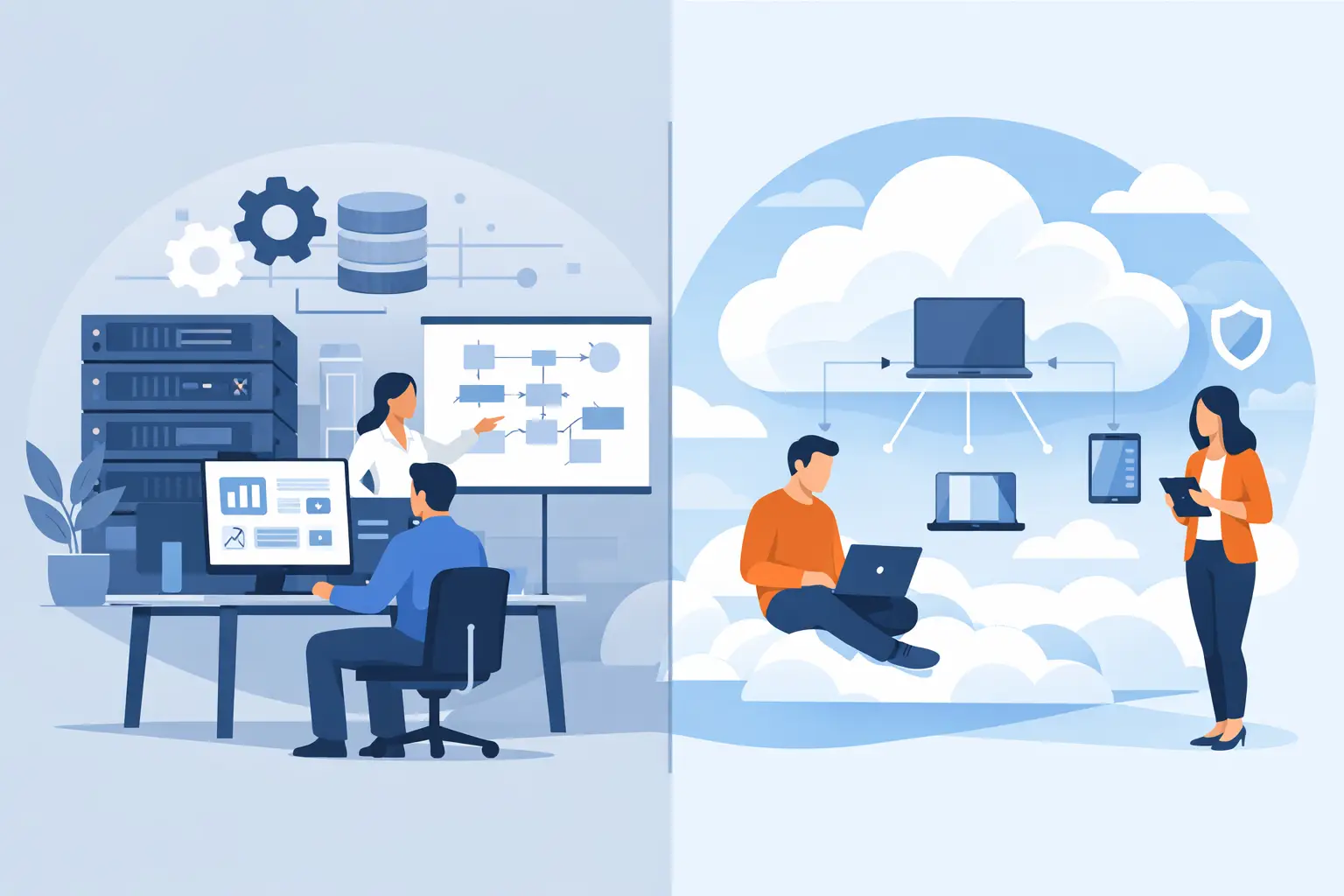
Internal system or SaaS? When to build custom, when to buy a ready product, and how to decide without expensive dead ends.
The internal system or SaaS question usually shows up the week spreadsheets, e-mail, and manual retyping stop scaling. It is rarely a pure tech choice. You are deciding where the company should follow market standards and where it needs to keep its own way of working.
A bad call rarely hurts in month one. SaaS can cover most needs quickly and cheaply at first, then slowly force the team into workarounds. A custom system can be the right strategic move, but not because an off-the-shelf tool is missing one button in the right place.
Neither option wins by default. The useful test is whether the process creates customer value, how often it changes, and what the current way of running it already costs.
Internal system or SaaS: do not start with features
The common mistake is comparing feature lists. SaaS has CRM, reporting, approvals, an API, and a mobile app. An internal system can list the same items. The better question is what happens when your process changes.
For ordinary support work, adapting the company to a standard tool usually pays off. Accounting, video calls, document storage, or a basic contact list rarely justify custom development. Customers do not pick a vendor because of how original your internal calendar is.
It looks different when your own process drives service speed, margin, decision quality, or the customer experience. A staffing agency may need more than a candidate database. It may need to connect client requests, people availability, communication, documents, approvals, and commission rules into one flow. If the team moves data between several tools every day, that is no longer a cosmetic UI problem. See also custom software for a staffing agency.
In that case we do not start by asking what system to build. First we want a clear view of where extra work, errors, and waiting appear today. Only then does it make sense to decide what belongs in a product and what can stay in an external service.
When SaaS is the better call
SaaS is the right choice when the problem looks like what many other companies already solve in a similar way. You buy a proven operating base, updates, security patches, and a defined feature set. That is an advantage, not a limitation, if the standard fits.
SaaS also works when you need to validate a new process before locking it into a custom product. If sales still does not know how order approvals will work, automating every hypothesis is a bad idea. A few months in a standard tool often shows which steps are truly repeated and which exist only because of old habits.
Launch speed matters too. For a short-term operational need or a side part of the business, a ready tool is often the sanest path. You do not have to run your own login, roles, admin, or integration layer if you do not need to own them.
Watch the “SaaS can do everything” argument. It often can do a lot, at the cost of messy setup, third-party add-ons, and processes nobody in the company can explain anymore. The real cost is not only the subscription. It shows up in manual exports, training, duplicate data, and dependence on the one person who understands the configuration.
When it is time for an internal system
A custom internal system makes sense when the digital workflow is not support admin, but the operating core of the company. It does not have to be a large platform on day one. A sensible start can cover one closed flow: intake, processing, review, result, and audit trail. For the broader decision criteria, see when custom software development makes sense.
Good signals for a custom build are concrete. The team regularly works in several systems at once. Data is copied by hand between a spreadsheet, e-mail, and an app. Important rules live only in experienced colleagues’ heads. The customer waits because an internal handoff has no clear status. Or the company differentiates through a process that a ready product cannot support without expensive, fragile customization.
A custom system also makes sense when you need to join several data sources into one view and make decisions on top of it. That shows up often in finance, logistics, B2B services, or platform products. The goal is not to replace every external tool. A well-designed app can use specialized services for payments, e-mail, or e-signature and focus on the process that is unique to the company.
The other side is fair to say. An internal system needs a business owner. Someone has to set priorities, guard the rules, and keep checking that the solution matches reality. Without that, you get an app full of exceptions that only digitizes the chaos.
Do not price the license. Price the operations.
Comparisons often put a monthly SaaS license against a development investment. That is too narrow. With SaaS, weigh per-user cost at growth, paid modules, integrations, data migration, workarounds for tool limits, and the risk that the vendor changes terms or product direction.
With a custom system, do not count only the first version. A production app needs access management, backups, monitoring, fixes, dependency updates, and further development. A system nobody maintains after launch is not cheaper. The problem is only postponed.
That is why we talk openly about scope with clients. We do not sell a vague “custom solution.” We describe which workflow the first version will cover, who will work in it, where the data comes from, and how we will know it actually replaced a manual step. Only then can priorities and budget be decided sensibly.
A practical test before you decide
Before choosing, take one concrete process, not the whole company. Inquiry handling, client onboarding, expense approval, or job planning all work. Describe the start, end, roles, data, and exceptions. If you need a fuller framing of that step, how to digitalize business processes without chaos walks through it.
Then answer a few uncomfortable questions. Is this flow the same as for most companies in the industry? Can the team adapt to a standard without hurting the customer? How many manual interventions does the process contain today? Which decisions cannot be made because data is scattered? What happens when the workload doubles or grows fivefold?
If the answers mostly favor standardization, pick SaaS and keep operations simple. If you keep hitting proprietary logic that repeats every day and directly affects the customer outcome, a custom app can be the better investment.
The third path is common too
The choice does not have to be binary. Many working setups combine SaaS services with an internal system. A custom app can own the key process while e-mail campaigns, payments, file storage, or accounting stay in tools built for those jobs. That only works when integrations are designed as part of the architecture, not bolted on at the end. Decide where the source of truth lives for each dataset, what happens when an external service fails, and who can change the data. Without those rules, integrations quickly become another layer of manual work. More on that in how to connect business systems without costly mistakes.
At Nextrey we build production apps so the first version solves a real problem without closing the door on later development. Sometimes that means a custom core on top of existing services. Sometimes an honest analysis ends with a recommendation to stay on a ready tool and adjust the process.
The best decision is rarely the most interesting technology. It is the one that cuts repeated work for the team, shortens the path to a result for the customer, and still leaves room to react when the business changes.