Cloud infrastructure for an application: what to run first
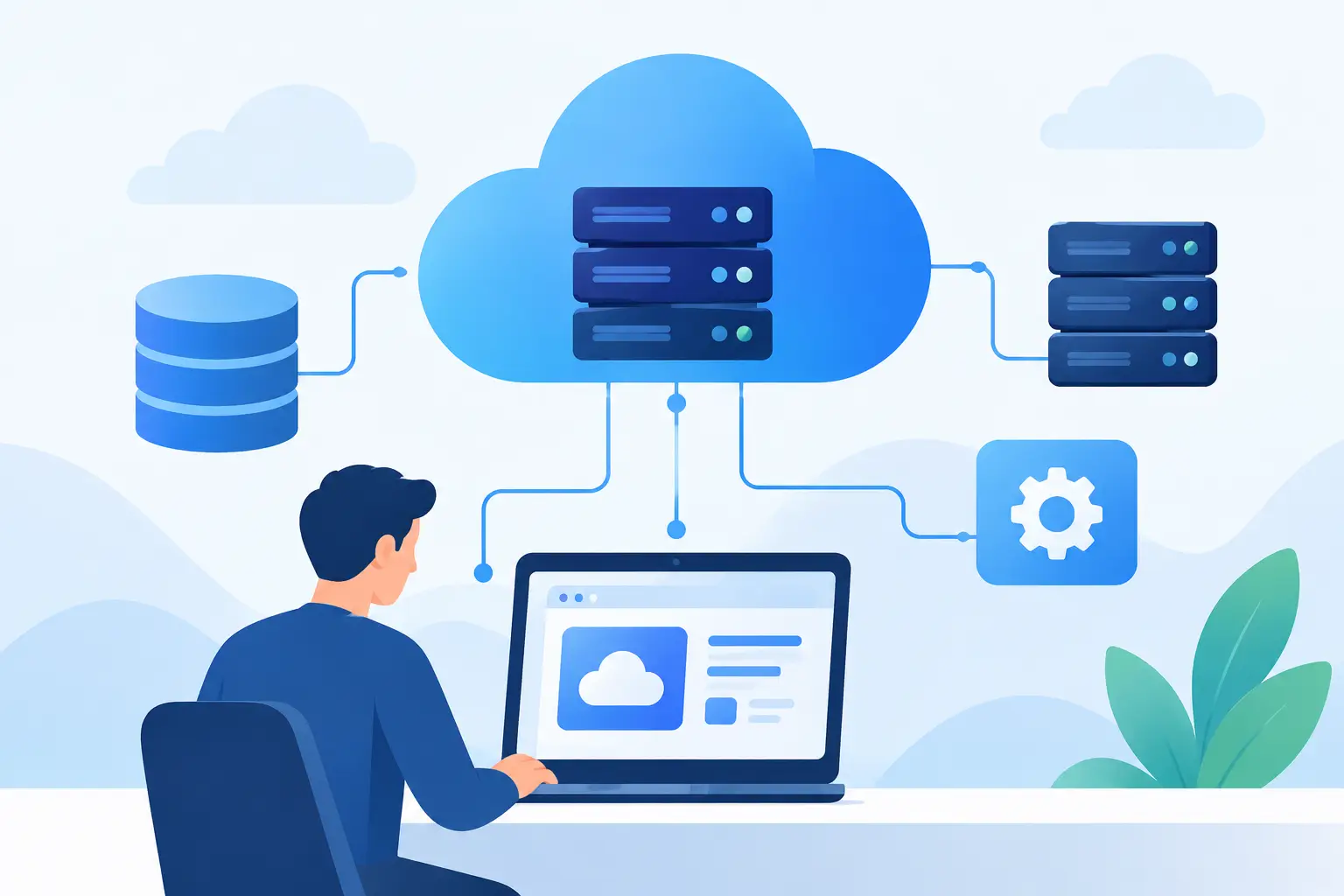
What cloud infrastructure a B2B application needs on day one, what to add only after real traffic, and how to keep backups, access, and the bill under control.
The app answers fine in testing. The first week in production shows something else. Files disappear on the next deploy because they lived on the container disk. The database has a public address. The invoice includes staging, a practice environment customers never use, and nobody has opened it in a month.
Four facts before the service catalogue
Before you open a cloud price list you need four facts. How many people are in the system at peak. How big the heaviest operation is: an import, an export, a batch of notifications. What the data is: payments, personal data, contracts, files. How long an outage can last, and how much data the company can afford to lose.
For most new B2B products that produces a small start. One backend, the code behind the screen that takes requests and runs them. Next to it, managed Postgres, a bucket for files, and an automated deploy. A bucket is the provider’s file store: a file there survives the next deploy, a file on the server disk does not. Add a queue and a second instance when a real operation is holding users or the database. Split file handling and long jobs in the code before you split them into their own service. A separate service pays off once you can deploy it, watch it, and take it down without the rest.
| What the application does | What to run | What can wait |
|---|---|---|
| Internal system, tens of users, short requests | One backend, managed Postgres on a private network, a bucket for files, a smaller staging environment | Kubernetes, a second region, microservices |
| SaaS, files, imports, several companies in one database | The same, plus a queue and a background worker, a cache for repeated reads, a backup you have restored | Autoscaling instances, a read replica with no measured reason |
| Personal data, or an outage measured in minutes | Named access, a database with no public address, a record of sensitive actions, a timed restore | A second region, until you know what an hour of downtime costs |
What is actually running
The backend takes requests and runs the business logic. A managed platform or a container service removes most of the server work. Your own virtual machine leaves the OS updates, the disks, and the rebuild with you. Kubernetes adds its own operations on top: upgrades, networking, and the machines the containers run on. For one product and a small team that work usually costs more than the application.
The database is the part you cannot rebuild from git. Managed Postgres takes OS updates, automatic backups, and optionally a standby in a second zone. The schema, the queries, who can connect, and the restore test stay with the team. The database should not have a public address. The application reaches it over a private network.
This start fits Scaleway, a French provider with regions in Paris, Amsterdam, Warsaw, and Milan. A small virtual instance for the backend, Managed Database for PostgreSQL, and a bucket in Object Storage. Their Serverless Containers disappear when the minimum is zero, and the first user waits for the container to start. For an app people open during the day, keep at least one instance running.
Put the backend and the database on one Private Network, their isolated network, and turn the database’s public address off. Attaching the private network does not cut the database off from the internet while that public address stays on. The high-availability standby stays in the same region. The default backup runs once a day and is kept for seven days. A restore you have not tried is still on you. Addresses inside that network cannot be restricted, so only the backend that talks to the database belongs there.
Connections often run out before CPU does. On community Postgres the default ceiling is typically 100 concurrent connections. An application that opens a new one on every request hits that ceiling while the CPU is still idle. Keep a small set of open connections and let requests borrow them. More application instances without that shared limit take the database down by logging in.
Attachments, exports, and documents belong in a bucket, not on the backend’s disk. The container disk is thrown away on deploy. On the bucket, decide who can read a file, how long it stays, and whether it holds personal data. A public bucket with a guessable file name is a leak.
Email, search, and a cache are extra services, each with its own outage and its own line on the bill. A queue has one clear job. The user should not wait on an export, an import, or a batch of notifications. The application stores the job, returns a status, and a background process finishes it. The job has to be safe to run twice, because a message sometimes arrives twice. A queue added because large companies have one is another place for a job to disappear.
A deploy has to be repeatable, and reversible
Copying files onto a server by hand lasts until the first Friday failure. You need versioned code, a deploy that builds the same environment again, and a way back to the previous version. Automated tests pay off on the flows where a repeat failure is expensive: sign-in, payment, a permission change, an export. On the other screens a short manual check beats a large suite nobody maintains.
Passwords, keys, and the addresses of other services do not belong in the repository or in a chat. They belong in a secret store that people access under their own name. The Twelve-Factor App says it directly: config lives in the environment, not in the code. It is still one of the first findings when you take over someone else’s project.
A database migration is part of the deploy, not a script someone runs by hand afterwards. Adding a column while the app is live usually goes through. Renaming a column or splitting a table, while the old version of the app is still running, needs both shapes of the data for a while. Settle that while only a few companies are paying. After that, every deploy interrupts their work.
Staging should be smaller than production, and it should not hold production personal data. A copy of production in staging is a second store, often with looser access. An anonymised sample or generated data is enough. Staging nobody has opened in a month gets turned off. What stays is a description you can build it from again.
Security is who can reach what
When you take over an application, the damage rarely starts with a clever attack. Broad permissions, one shared production password, an unpatched library, a public file store. Production access should be in a person’s name, so you can see who signed in. The production database is not a daily tool for everyone who writes code. Changing a bank account, deleting data, and exporting personal data need a check on the server and a record: who, what, when.
A European region does not describe what happens to a record. You need to know where it is created, where it is stored, who reads it, how long it stays, and how it is deleted. That decides whether it may land in a log, in staging, in an email service, or with a supplier. An audit or a customer’s question can then be answered without rebuilding the system. How those rules look in the application code is covered in application security. If you are inheriting a system and do not know what is publicly reachable, start with an application security audit.
A bigger server does not fix a slow screen
A list that, on every open, joins several tables, queries once per row, and loads the same catalogue and the same permissions again. It passes on test data. On production volume the wait multiplies. A bigger server runs the same work on a faster machine.
The order of fixes:
- Stop asking for what the screen does not need. Pagination, only the columns in use, one query instead of dozens, totals computed ahead of time where they do not change on every open.
- An index on the column people actually filter and sort by, and only after a measurement shows the query is reading far too much of the table. The index speeds that read and slows writes, because Postgres has to maintain it. An index with no query that uses it is extra work on every save. A normal index build also blocks writes to the table until it finishes. On a large production table, build it concurrently so writes can continue.
- A cache for data that is read constantly and changes rarely: sessions, permissions, lookup tables. With one instance, process memory is enough. It disappears on deploy and it is not shared across instances. Redis pays off when more than one instance is running, or when you do not want every user to hit Postgres for the same lookup in the second after a deploy. A cache does not fix a query that scans the whole table. When it expires, that query comes back, and if it expires for everyone at once the database takes the hit. Cache only a value whose expiry you can name, and never another company’s data.
- Only then a larger database, more application instances, or a read replica. More instances make a slow database worse. More processes hit the same Postgres in the same way.
How this shows up in the data model and the code is in how to prepare an application for scaling.
Autoscaling fits load that arrives and then drops, such as a burst of exports. For predictable B2B traffic it is cheaper to watch capacity and raise it on purpose. You pay for the performance and for every moving part you have to read at night.
From the start, collect application errors, response time of the important screens, slow queries, queue length, and failed jobs. From those you should be able to say what happened, which version caused it, and whether it hit one account or all of them. What to watch after launch is in SaaS platform management after launch.
The bill shows what nobody was watching
The application itself does not appear on the invoice. What appears is a staging database the same size as production, logs with no retention, old disk snapshots, and forgotten files. And transfer. On AWS a NAT gateway is billed for every hour it exists and for every gigabyte that passes through it, including the one nobody remembers creating. Traffic between availability zones is billed too, including traffic that could have stayed in one zone. Scaleway has the same kind of line item, a Public Gateway: while it runs, it is billed per hour. Outbound traffic is included in that price, without a separate per-gigabyte charge like a NAT gateway. You do not need one for the path from the backend to Postgres. A Private Network covers that.
The people building the product should see which choice moves the bill. Budget alerts help, as does a separate project for production and for staging, and an occasional pass over the services the product actually uses. A cheaper setup with no monitoring, or with a backup nobody has restored, moves that bill into an outage.
A backup nobody has restored is a file. Run the restore against a copy: how long it takes, how much data is missing, whether the application comes back up. A standby in a second zone covers a dead server. It does not cover the command that drops a table. For that you need a restore to the moment before the drop. A second region covers a whole region going down, and it means a second set of services plus a procedure someone has to walk through now and then. Until the company can say what an hour of downtime costs and how much data may disappear, one region, an automatic backup, and a restore you have tried is enough. AWS Well-Architected treats a periodic restore test as its own requirement, not as a footnote under “backups enabled”.
When to change the infrastructure
The signal is a repeated, concrete problem. Slow batches. A deploy that regularly ends with someone fixing it by hand. A database at its connection limit or its disk limit. A requirement to separate customer data. A new integration that fails differently from the rest of the system. One change, a measured result, the next layer after that.
At Nextrey we treat infrastructure as part of running the product. The code, the database, the deploy, and the monitoring have to match what the application does now, and they have to leave room for the next change.
Common questions
Is Kubernetes enough of a start?
For one product and a small team, almost never. A managed backend and managed Postgres cover deploys and a basic restore. Kubernetes starts to pay once you have several services on different release rhythms and someone who actually runs the cluster.
Does a managed database replace the work on the data?
It takes OS updates, backups, and optionally a switch to a standby. The schema, the queries, the indexes, access, and the restore test stay with the team that writes the application.
When is Redis worth it?
When more than one instance reads the same data, the data changes rarely, and you can say when it is stale. Sessions, permissions, lookup tables. Redis does not fix a query that scans the whole table. With a single instance, a cache in process memory is often enough.
Do we need two regions?
When you already know the cost of an hour of downtime and the data loss you can accept, and one region with a tested restore still falls short. Until then a second region doubles the services and the procedures.
Sources
- PostgreSQL: Indexes. An index speeds up retrieval of specific rows and adds overhead on writes. Use it deliberately.
- PostgreSQL: CREATE INDEX. A normal index build blocks writes until it finishes.
CONCURRENTLYlets writes continue. - PostgreSQL: max_connections. The default ceiling is typically 100 concurrent connections.
- The Twelve-Factor App: Config. Config and secrets belong outside the repository, in the environment.
- AWS Well-Architected, REL09-BP04. Backups are periodically restored and checked. Enabling backups does not prove you can recover.
- Amazon VPC pricing. A NAT gateway is billed per hour it runs and per gigabyte processed.
- Scaleway: Managed Database for PostgreSQL. A high-availability standby, and a default backup once a day kept for seven days. The public address has to be turned off separately.
- Scaleway: Network pricing. A Public Gateway is billed per hour it runs.
- GDPR, Regulation 2016/679. Article 5 (storage limitation) and Article 32 (security of processing). A region does not describe the data flow.