Legacy Information System Modernization
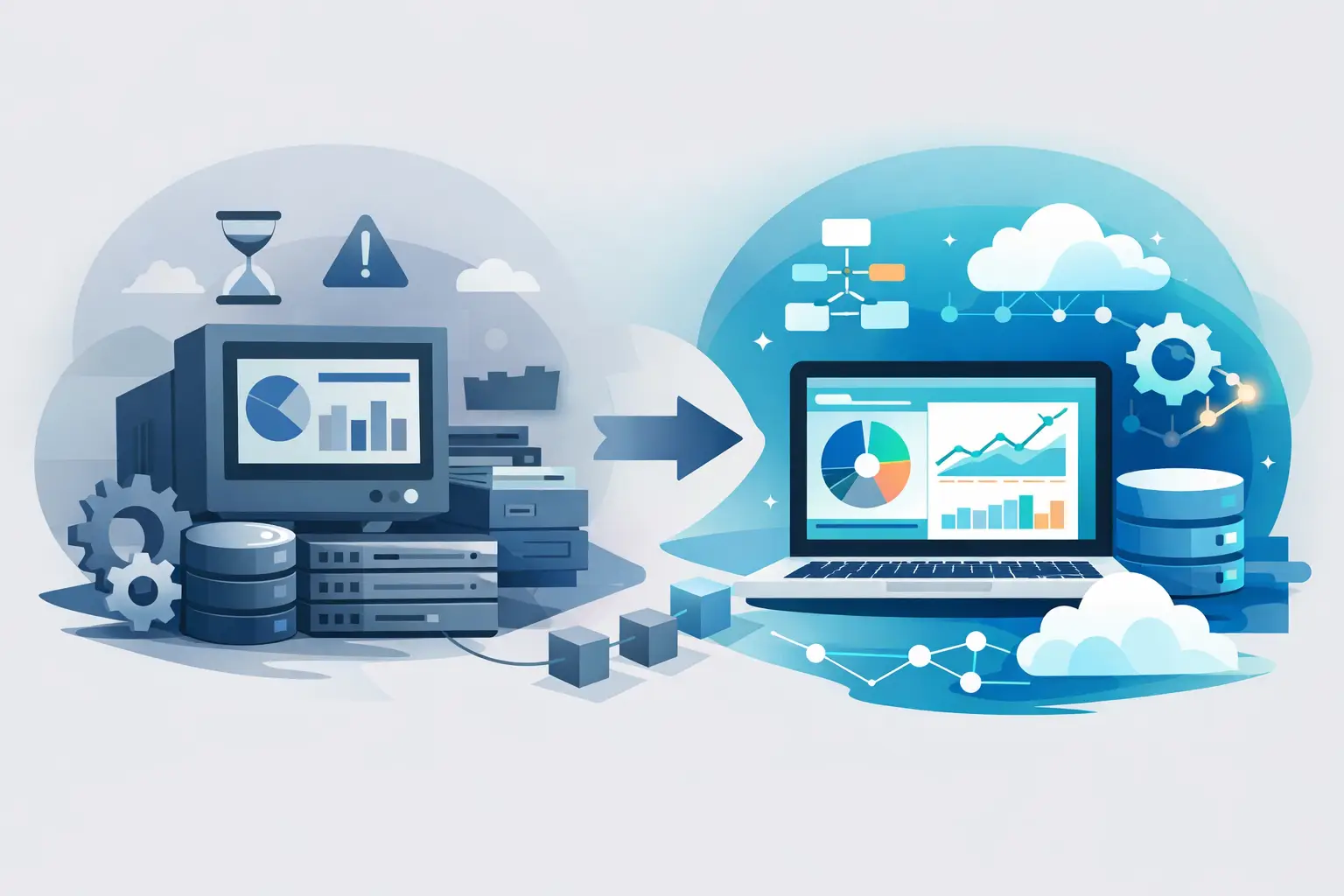
Legacy information system modernization makes sense when the system holds the company back. When to rewrite, what to keep, and how to reduce risk during change.
An old information system usually doesn’t become a problem overnight. First one form gets harder to change, then adding new logic takes weeks, and eventually the whole internal operation of the company adapts to the software instead of the software serving the company. That’s when legacy information system modernization starts to make business sense, not as a technical exercise, but as a decision that affects work speed, error rates, and the company’s ability to grow.
When Legacy Information System Modernization Makes Sense
Not every older application is automatically a candidate for a full rewrite. Some systems are old but stable, well documented, and sufficient for their purpose. Elsewhere technical debt is so large that every further change costs more, takes longer, and carries greater risk than before.
We typically recognize it through several signals. Changes deploy slowly because the team is afraid of what might break. The system holds together thanks to individuals who carry key knowledge in their heads. Integrations with new tools are difficult or impossible. Performance doesn’t meet current operations. And there’s often a less obvious problem, the company can no longer quickly test a new process, product change, or automation because of the system.
In that situation the main question usually isn’t whether to modernize. It’s when and how. Delaying sometimes works for a few months, but rarely more cheaply. The cost of stagnation doesn’t show only in the IT budget. It also shows up in operations, sales, and in how much manual work the company has to keep just because the system can’t keep up.
Rewrite or Gradual Modernization?
This is the most common dilemma. And the answer is almost never black and white.
A full rewrite can make sense when the system is technically dead, no tests, no documentation, unsupported technology, and business-critical constraints. But a complete restart has downsides too. It’s expensive, takes longer, and the first months bring almost no visible value to users. We cover a legacy application rewrite separately. There’s also a risk that years of small rules and exceptions built up in real operations get lost during the rewrite.
Gradual modernization is often more sensible in practice. You keep what works and has value, and change the parts that really hold the company back. That can mean separating the database layer, rewriting the most problematic modules, adding API, a new frontend, or gradually replacing manual processes with automation.
The downside? The transition period is more complex. For some time the old and new worlds exist side by side, and architecture must be designed so that can be operated safely. If that in-between state is underestimated, you just get a more expensive version of the original problem.
What You Need to Know Before Touching the Code
The biggest mistake is starting modernization with a technology decision. Framework, cloud, or a new frontend aren’t the beginning. The beginning is understanding what the system actually does today, who uses it, and where the greatest business and operational pressure arises.
At the start we mainly look at four things. The first is a map of critical processes: what must not go down, what generates revenue, what’s needed for compliance, and what’s handled manually on the side in Excel or email today. The second is the technical state of the system: architecture, dependencies, code quality, testing options, infrastructure, and security risks. The third is data quality, because data is often more important than the application itself during modernization. And the fourth is a realistic change plan: what to do now, what later, and what doesn’t make sense at all.
That last point is often underestimated. Not everything from the old system deserves to be carried over. Some features nobody actively uses anymore; others exist only because of a historical workaround. Modernization is a good opportunity to simplify the system, not just move its chaos into a new coat.
Legacy Information System Modernization Without Disrupting Operations
Business owners and product people have a legitimate concern during modernization: that daily operations will break. That risk is real and shouldn’t be downplayed. But it can be reduced significantly if change is phased by business impact, not by architectural elegance.
In practice it works to start with parts that have high benefit and aren’t the most critical for day-to-day running. The team verifies how deployment, monitoring, data work, and collaboration with internal users function. Only then does it make sense to go into areas where a mistake would hurt more.
It also helps to separate visible changes from technical ones. Sometimes the right step is to clarify the backend first, add tests and API, and only then change the interface. Other times the biggest problem is outdated UI through which employees perform hundreds of extra actions every day. It depends on where the real bottleneck is.
Data migration matters too. Success or failure of the whole project often breaks here. If data is inconsistent, duplicated, or manually adjusted for years, moving it isn’t enough. You need to decide what is the source of truth, what gets cleaned, what gets archived, and what doesn’t go into the new solution at all.
What Companies Get from Well-Done Modernization
The biggest benefit usually isn’t that the system runs on newer technology. That’s a means, not an outcome. The real value is shorter time between a request and deploying a change. The company isn’t dependent on a fragile solution only one person can modify. Users make fewer mistakes and do fewer things manually. Leadership has better data for decisions. And if it makes sense to connect more services or add AI features, the system stops standing in the way.
Well-designed modernization also improves predictability. When you know how to deploy, test, and monitor the application, changes aren’t a small crisis project every time. That matters especially for companies that actively use software as part of operations and can’t afford every change to mean uncertainty.
It’s fair to add that return on investment isn’t always immediate. If the system is very neglected, the first phase mostly removes risk and stabilizes the foundation. Visible impact on work speed or product flexibility comes in later steps. That doesn’t mean the first stage was wrong. You just need realistic expectations.
When to Postpone Modernization
Sometimes the right decision is to wait a bit longer. For example when the company itself doesn’t know what its processes will look like in six months, or when a fundamental business model change is coming. Rewriting the system based on today’s state can be an expensive mistake in that moment.
It also doesn’t make sense to start a larger modernization without an internal owner. If there’s nobody who can decide on priorities, processes, and what really matters to the company, the project quickly turns into technical debates without clear direction.
And sometimes a smaller intervention is enough instead of a bigger transformation. When the main problem is one module, a weak integration, or outdated interface, it may be better to fix a specific pain point than to open the whole system. A mature approach isn’t selling the biggest project. It’s proposing a scope that makes sense.
How to Recognize a Partner for System Modernization
On projects like these it’s not enough for the vendor to know how to write code. They must be able to take responsibility for an approach that is technically sound and operationally safe. That means understanding connections between architecture, data, deployment, and how the company actually runs.
We’d be wary of solutions that are too fast without deeper analysis of the current state. If someone proposes a full rewrite after one call, they’re guessing rather than deciding. It’s also worth watching whether the partner talks specifically about migration, testing, risks, and phasing, or only generally about a new system.
At Nextrey we treat such projects as long-term partnerships, not one-off delivery of a specification and finished application. With older systems something almost always shows up that wasn’t visible at the start. More important than big words is the ability to react pragmatically, maintain quality, and explain along the way why exactly what’s being done is being done.
An old information system isn’t a problem just because it’s old. It’s a problem when it takes away the company’s room to make sensible changes. If the system slows you down, costs more in improvisation than process, and every change hurts, it’s probably time to look at it without sentiment and decide what still makes sense to keep and what doesn’t.