System API Integration Without Unnecessary Errors
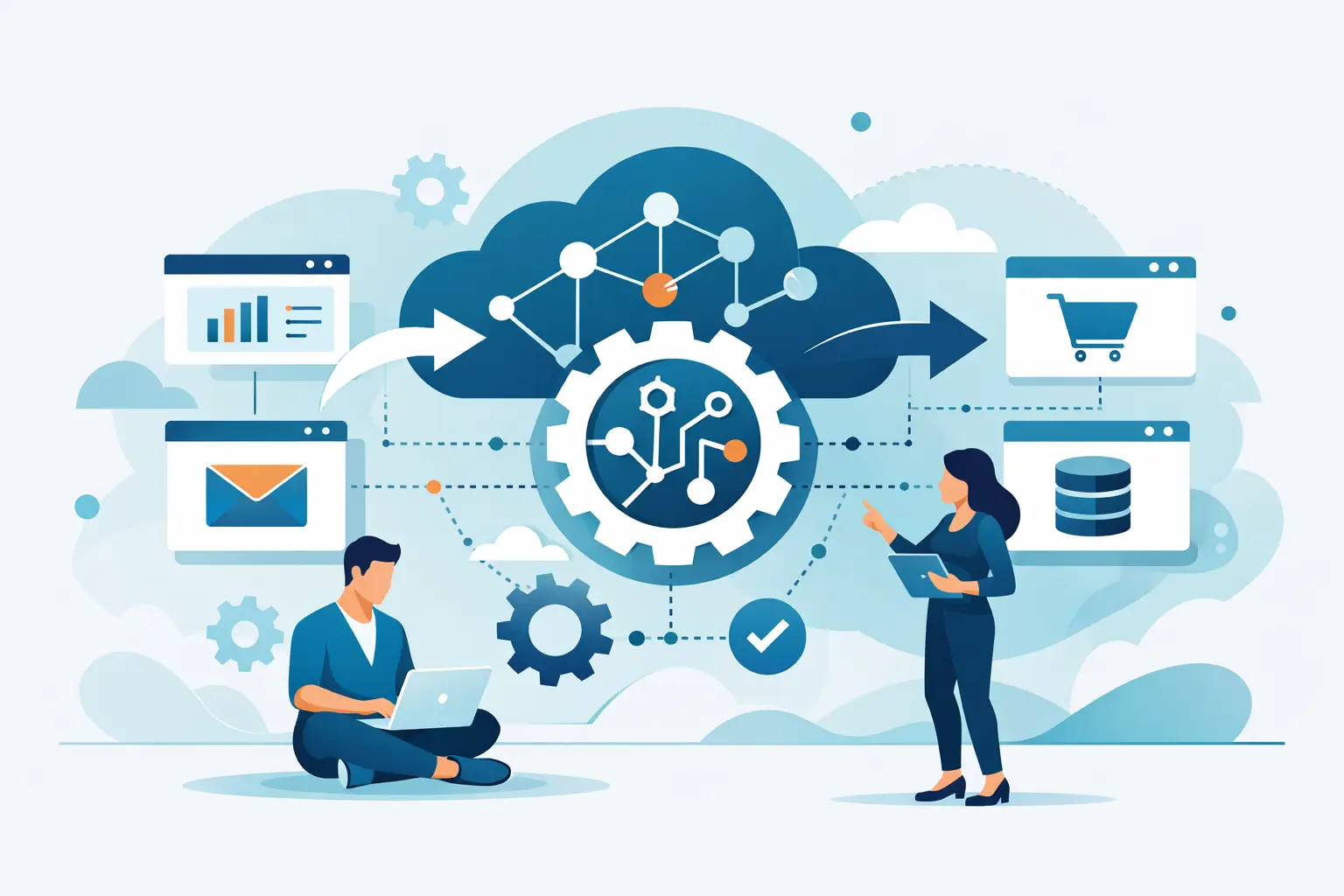
System API integration connects data and processes. We show where errors come from, what to decide upfront, and how to build integrations that hold up in production.
When a company says it needs to connect two systems, it rarely means just “send data from A to B.” In practice, system API integration is almost always about processes, ownership, and day-to-day operations. Data has to arrive at the right time, in the right format, and in a way that doesn’t break the sales team, billing, or customer support.
That’s where the difference shows up between an integration that looks good on a diagram and one that survives normal operations. On paper, everything is simple. The CRM sends a contact, the ERP returns order status, billing creates an invoice. Real operations add duplicates, third-party outages, API rate limits, unexpected field changes, and situations where one system says something different from another.
What system API integration actually solves in a company
The most common reason isn’t technical. It’s operational. A company ends up with multiple tools that were added over time. Sales runs in a CRM, finance in an accounting system, the customer portal in a custom app, warehouse in another tool. Each system makes sense on its own, but together they create manual re-entry, delays, and errors nobody wants to deal with every day.
A good integration doesn’t just move data. It defines who owns the source of truth, what happens on conflict, which changes sync immediately and which in batches, and how you know a process finished correctly. If a sales rep sees a paid order in the CRM two hours late, that’s annoying. If the system fails to activate a service or sends the wrong invoice because of it, that’s an operational problem.
So it makes sense to start from the workflow, not from a list of endpoints. First, you need to know what the integration should change in how the company works day to day. Only then does the technology choice matter.
When system API integration is simple, and when it isn’t
Simple integrations exist, but they’re the exception. Usually it’s one clear direction of data, a small volume of changes, and stable APIs on both sides. For example, when an internal app exports to the accounting system once a day and both sides have well-defined rules.
It gets harder when data can change in multiple places. Once a customer record can be edited in the CRM, the customer portal, and internal admin, you have a priority question. Who has the final say? How do you detect two changes that arrived almost at the same time? What happens when one system accepts an update and the other doesn’t?
Another layer of complexity comes with external services. A third party can change the API, slow down responses, or introduce new limits. An integration originally designed as a direct call between two systems becomes fragile. At that point it’s not just about connecting systems. It’s about architecture that assumes some parts will fail from time to time.
The most expensive mistakes happen before the first line of code
A large share of problems doesn’t show up during implementation. They show up in the brief. A company often knows it wants “customer sync” or “billing integration,” but that’s too vague. Without a precise description of scenarios, it’s easy to build something that works technically but falls short for the business.
A typical example is order handling. It’s not enough to say an order should flow from the e-shop into the ERP. You need to know exactly when it’s created, when it can change, how cancellation works, partial fulfillment, data corrections, or what happens when the customer pays late. Each of these variants affects the integration design.
So it makes sense to map concrete states and transitions, not as an academic exercise, but as protection against expensive surprises. When you skip that, the problem just moves to production, where fixes are slower and more painful.
How we design integrations that still make sense after launch
On integration projects, one thing keeps coming up: the most stable solution is the one that’s still understandable six months later, not the one that looked cleverest on day one.
In practice that means a few decisions. First, define data ownership clearly. Every important entity (customer, order, invoice, subscription) should have a primary system that owns it. Other systems can read or use the data, but they shouldn’t overwrite each other’s meaning without rules.
Second, decide whether the integration runs synchronously or asynchronously. Synchronous calls make sense where the user waits for an immediate result. Asynchronous processing fits better where resilience matters more than an instant response. It’s not a matter of taste. It’s a trade-off between speed, complexity, and fault tolerance.
Third is observability. When an integration fails, someone has to notice, ideally before a customer or accountant calls. Logging, event identifiers, error overviews, and the ability to safely retry processing aren’t extras. They’re part of a working integration.
Direct connection vs. integration layer
A common question is whether to connect systems directly or through a middle layer. The answer depends on how many systems you have and how fast they’ll change.
Direct connection is fast and sometimes exactly right. If you’re linking two apps with a clear interface and a simple process, another layer may be unnecessary. But once a third or fourth system joins, the dependency web gets complicated. A change on one side can break several links.
An integration layer makes sense when you need to transform data, manage queues, version interfaces, or separate your internal model from external APIs. It’s not automatically the better option, it adds its own operational and maintenance cost. But for business-critical systems that are growing, it’s often cheaper than constantly patching direct connections.
Security and versioning aren’t details for the end
With APIs, it’s easy to focus on functionality and push security aside. That’s a mistake, especially for systems handling personal data, billing, or internal customer information.
Authentication alone isn’t enough. You also need to handle scope of permissions, auditability, secrets management, rate limits, and access expiration rules. The same goes for versioning. If an integration relies on a third-party API, contract changes aren’t a hypothetical risk, they’re a normal part of product life.
In practice that means designing the integration so a change to one field or endpoint doesn’t mean rewriting half the system. You can’t always fully isolate that, but you can limit it significantly.
What to clarify before the project starts
Before building the integration, it’s worth being clear on a few things. Which specific process should get faster or more reliable. Which system is the authority for which data. What latency is still acceptable. What should happen on error and who needs to know. And who will operate the integration six months from now, when requirements change or another connection gets added.
That last point is often underestimated. System API integration isn’t a one-off task you check off after deployment. It’s a living part of the product. When the business process, pricing, onboarding, or data structure changes, the integration often changes too. So it makes sense to build it so you can extend it without unnecessary rewrites.
At Nextrey we treat it the same way as product development itself. It’s not enough to deliver something that passes today’s test. You need a solution that still makes sense when you add another market, a new billing model, or a new internal tool, one that stops falling through the cracks between systems so people can focus on their actual work.