Ways to Automate Document Processing
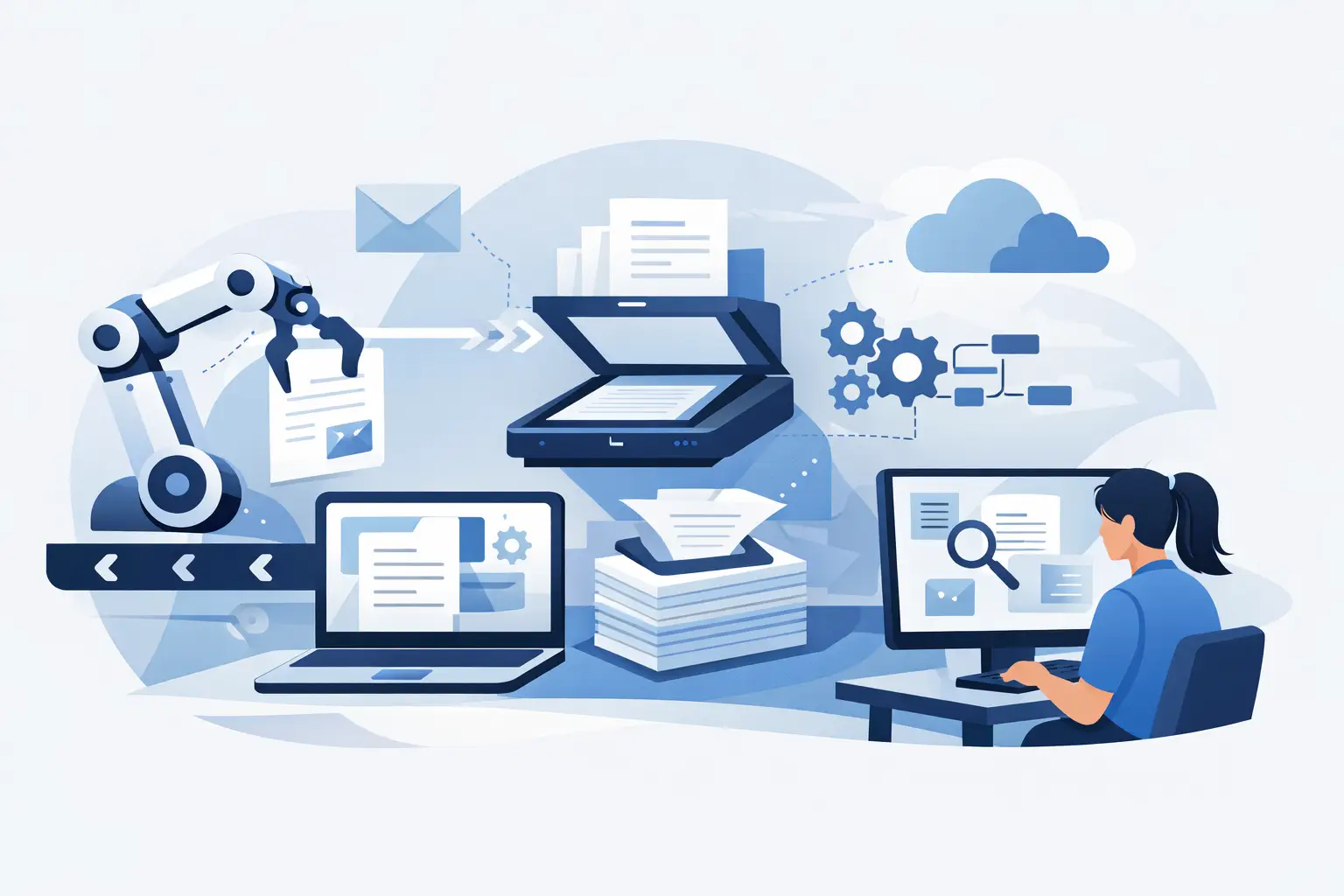
Ways to automate document processing: how to extract data from invoices, contracts, and forms, cut errors, and design a process that holds up in practice.
An invoice arrives by e-mail, a contract sits in a shared folder, an order comes as an attachment, and the details then get retyped into accounting, CRM, or an internal app. That is exactly where ways to automate document processing matter most. Not so the company can “have AI,” but so people stop spending time hunting for fields, fixing typos, and babysitting steps that can be described with clear rules.
Document automation is not one feature or one tool. It is a connected process: receive the document, recognize its type, extract the needed data, validate it, pass it into the right system, and keep a traceable trail. For smaller volume, a simple solution is enough. Once a document affects payment, a contractual relationship, or a decision, it pays to design the whole flow more carefully.
Where manual document processing actually gets expensive
The most visible cost is manual retyping. That is usually only the start. Problems also appear when a document lands in the wrong inbox, someone overlooks it, the data does not match the order, or you cannot tell who made a change.
Common cases include invoices retyped into accounting, incoming orders entered into ERP, resumes moved into an HR system, handover protocols, or customer forms. In each of these, a similar pattern repeats: the input is not uniform, but the output has to be.
Before deciding on automation, measure reality. How many documents arrive per month, from where, in which formats, which fields the team needs, and how many exceptions occur? A process with dozens of documents a month and frequent non-standard cases may mainly need a better form and cleaner approvals. At hundreds or thousands of similar documents, custom automation usually has a much better economics.
Ways to automate document processing by input type
1. Structured input beats reading a PDF later
The cheapest document is the one you never have to machine-read. If a partner or customer can enter details into a web form, portal, or customer app, the data arrives already usable.
A typical example is a request, order, or claim. Instead of free-text e-mail, you can build a guided form with required fields, value lists, and format checks. The system can immediately verify a company ID, a duplicate order, or item availability. A PDF can then be generated only as an output for archiving or signature.
This approach is not right for everything. You do not control a supplier invoice or a contract drafted by the other party. Where you own the process, though, it pays to start by fixing the input, not by deploying complex recognition.
2. OCR for scans and image documents
OCR converts a document image into text. It is useful for scanned invoices, paper forms, attachments sent as photos, or older archives. OCR alone does not know what is the invoice number, due date, or total amount. It only provides text and often coordinates for where it sits on the page.
Result quality depends on the input. A clean native PDF with readable text is far simpler than a phone photo with shadow, a bent page, and a handwritten note. That is why it makes sense to store the original file as well and assume some documents will still need human review.
3. Extracting specific fields from repeating documents
If the company needs a few clear fields from a document, OCR is followed by data extraction. The system looks for things like supplier, issue date, payment reference, order lines, personal ID, or contract number, depending on the process and the lawful purpose of processing the data.
For documents with a stable template, rules based on position, keywords, or value format can work well. A date has an expected shape, and an order number matches a known pattern. That kind of solution tends to be readable and easy to tune.
Once documents arrive from many partners and each uses a different layout, rules alone hit a wall fast. Then it makes sense to combine layout recognition, document classification, and models that can find field meaning in context. That does not mean they should decide without review.
4. AI for varied documents and working with content
Text-capable models can classify a document, pull fields into a predefined structure, compare it with internal records, or draft a reply. They help most where materials do not share one template: contracts, sales-case attachments, e-mail threads, or documentation for customer requests.
You need to separate extraction from decision-making. A model can suggest that a contract contains automatic renewal or a non-standard penalty. If that conclusion triggers a legal, financial, or HR step, there must be clear rules and a responsible person. In this flow, AI is a good helper for preparation and sorting, not an invisible approver.
Automation does not end when you get the data
The most common mistake is building a process that pulls a table out of a PDF and then leaves the data in an e-mail or export. Value appears only when you connect to the systems where the company actually works.
After extraction, an application can create a record in an internal system, attach the document to a specific job, start approval, notify the owner, or prepare an export for accounting. Every step should have a state: received, processed, waiting for review, approved, rejected, or sent. Without states, automation becomes a black box the team does not trust.
With sensitive data, permissions matter too. Accounting does not need to see every sales-case attachment, and sales does not need access to candidate personal data. The system should keep audit records of what arrived, which data was extracted, who corrected it, and where it was sent.
Exception handling is part of the design, not a failure
A well-designed solution does not chase 100% automation at any cost. Instead it recognizes when it is unsure. If the invoice total does not match the line sum, a required field is missing, or the system cannot identify the supplier, it sends the case to a human review queue.
That queue has to be practical. The reviewer should see the original document, the suggested data, the reason it was flagged, and related records. Fixing it should not mean opening five systems. The easier an exception is to resolve, the more willingly the team adopts automation.
It also pays to track why exceptions happen. If the same supplier, missing field, or ambiguous format keeps repeating, it is better to adjust the rule, the integration flow, or agree on cleaner input. That way the process improves on real data, not on assumptions from the kickoff workshop.
How to approach designing a custom solution
We would start with one concrete flow that has enough volume and a clear impact. For example, invoice intake from delivery through to accounting handoff, or order processing through job creation. First describe the current state including exceptions, not only the ideal path.
Then choose the technique based on the documents. For digital PDFs, text parsing and validation rules may be enough. Scans need OCR. For contracts from different counterparties, a mix of extraction, classification, and specialist review can fit. Technology should follow the process, not the other way around.
At Nextrey we build these flows as part of a production application, not as an isolated script nobody maintains after launch. That means connections to existing systems, user management, change history, error monitoring, and room for further changes. The first version does not have to cover every document type. It does have to handle the chosen process safely from input to output.
The best starting point is usually not “which AI should we use?” It is a more concrete question: which document is slowing experienced people today, what decision do they need to make from it, and when should the system hand the case to a human without hesitation? The answer shows what is worth automating and what should stay with the team for now.